
Updated by
Hi, I'm Jack, the owner of Cybersecurity Jobs List, and co-founder of Himalayas (himalayas.app) and Cavuno (cavuno.com). Across all my platforms, I work with application security daily: dependency vulnerability scanning, secure authentication, API security, and data protection across hundreds of thousands of users. My technical background is in computer science (UNSW), where he studied security engineering and computer networks, and worked as a research assistant on VR experiments that were published in the Journal of Experimental Psychology. I also work with cybersecurity hiring data every day, tracking which companies are posting, what certifications actually appear in listings, how salaries differ by sub-discipline and clearance level, and where the talent gaps are widest. That combination of security practice, engineering at scale, and daily immersion in the hiring data is what shapes the content on this site. I'm currently based in Sydney, Australia.
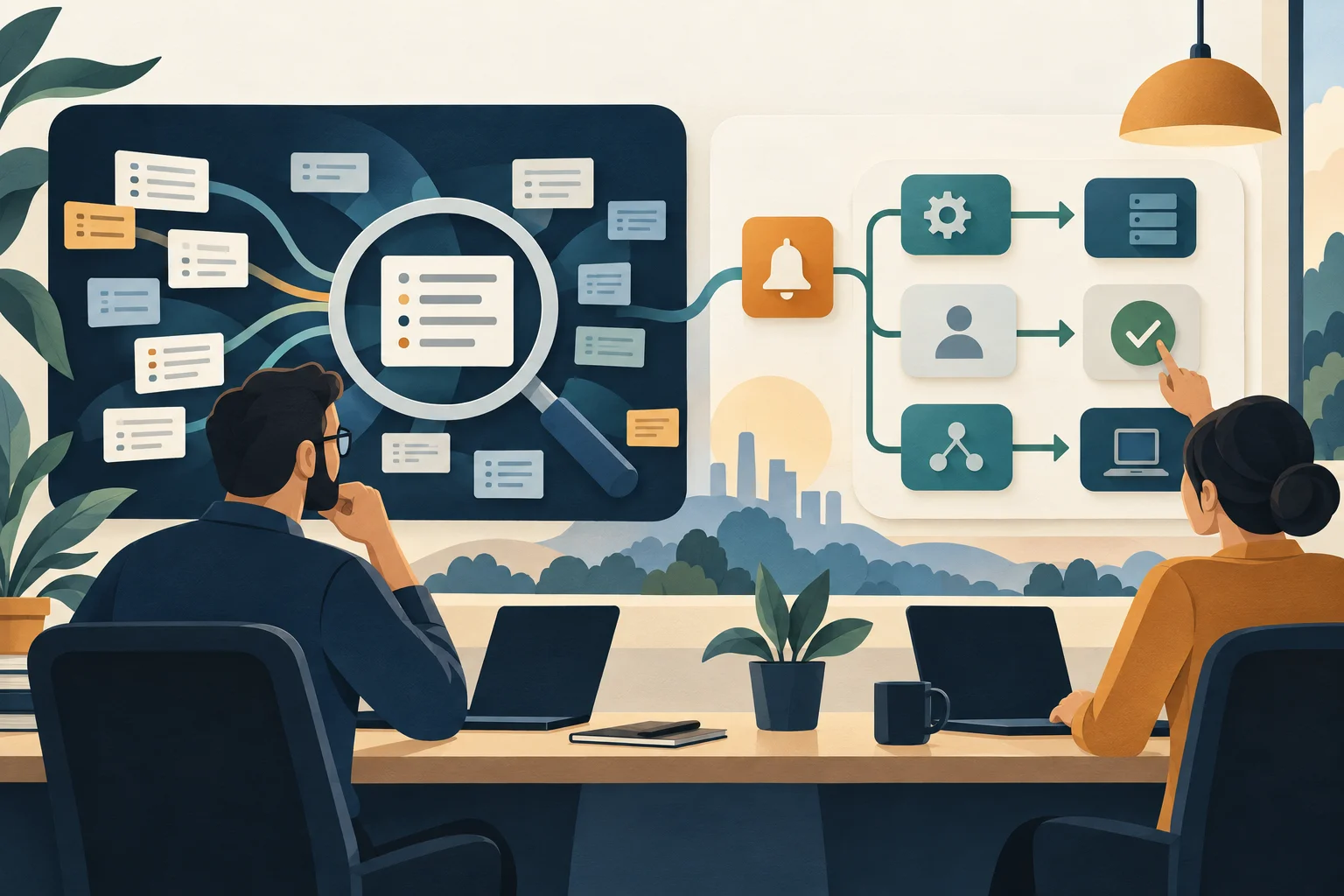
SIEM helps a security team bring evidence together, detect suspicious activity and investigate it. SOAR helps the team coordinate tools and carry out repeatable response steps. They often work together, and some products include both sets of capabilities.
If you're preparing for a SOC analyst role, you need more than the two definitions. You should be able to explain what an alert tells you, what evidence is missing and which actions a workflow can safely take. This guide walks through that distinction using a fictional investigation, then gives you a worksheet to practise it yourself.
SIEM vs SOAR at a glance
SIEM stands for security information and event management. SOAR stands for security orchestration, automation and response.
The table describes their central purposes, rather than hard boundaries between products.
| Question | SIEM | SOAR |
|---|---|---|
| What is its main focus? | Collecting and analyzing security evidence | Coordinating repeatable investigation and response workflows |
| What does it work with? | Logs and events from connected systems | Alerts, cases, context and connected tools |
| What might an analyst do? | Search a user's activity and investigate a detection | Review enrichment and approve a response step |
| What might it produce? | A query result, alert or investigation timeline | An updated case or a recorded action in another system |
| What is useful to practise? | Reading events and testing a detection hypothesis | Designing conditions, approvals and failure handling |
You'll sometimes see this shortened to “SIEM detects; SOAR responds.” That's a useful starting point, but it becomes misleading if you treat it as a product specification. Microsoft Sentinel, for example, includes both SIEM and SOAR capabilities. Ask what a particular deployment actually collects and automates.
What a SIEM helps you do
A SIEM brings security data into a place where analysts can search it and look for relationships. Relevant sources might include identity services, endpoints, network devices and cloud applications. Detection rules can flag patterns for investigation, while historical searches help an analyst reconstruct activity. Elastic's SIEM overview explains these core collection, analysis and investigation functions.
For an analyst, the practical question is: “What evidence supports this alert?” An unusual sign-in is a starting point. You might want to compare it with the user's earlier sessions, device information and subsequent account activity.
What you can investigate depends on the data that reached the platform. Microsoft's Sentinel overview describes connectors for Microsoft and other services, alongside standard collection mechanisms. Installing a SIEM does not mean every useful event is already available.
In your own practice, check the source, timestamp, account identifier and meaning of an event before drawing a conclusion. A search returning no results might mean nothing happened. It might also mean you searched the wrong time range or never collected the relevant logs. Write down which explanation you can support.
What SOAR adds to the workflow
SOAR connects the steps around an investigation. IBM's SOAR explanation separates three related capabilities:
- Orchestration: coordinating different tools so information and actions can move between them.
- Automation: having software perform defined, repeatable tasks, such as fetching context or updating a case.
- Response: organizing the steps used to handle an incident, including actions that require an analyst's decision.
A playbook describes the workflow. It can combine automatic steps with manual work, rather than making every decision on its own.
For example, a workflow might receive an incident, look up the affected account and add the results to a case. It could then wait for an analyst before requesting an account change. These are different levels of responsibility: gathering information is one thing; interrupting someone's access is another.
In Sentinel, automation rules can perform incident-handling tasks, and playbooks can connect to other systems. The exact trigger, connector and permission configuration matters. For a practice project, define those dependencies explicitly instead of drawing arrows between tools and assuming the integration exists.
How SIEM and SOAR work together: a fictional investigation
Imagine a security team receives an alert about an unusual sign-in to an employee's email account. A few minutes later, a mailbox forwarding rule appears.
This is an illustrative scenario, not a real incident or a tested product configuration. The times, evidence and decisions below are invented to show the reasoning. A real investigation would follow the organization's procedures and available telemetry.
1. Build a timeline from the evidence
Suppose the SIEM contains these events:
- 09:12: a successful sign-in from an unfamiliar device and network.
- 09:15: creation of a mailbox forwarding rule.
- 09:18: another successful session using the same account.
The analyst checks whether the records refer to the same user, whether timestamps use the same time zone and what the forwarding rule actually does. They also identify gaps: perhaps endpoint logs are unavailable, or the identity records do not explain how the session was established.
The sequence warrants investigation. It does not, by itself, prove who controlled the account. A location label or an unfamiliar address should not silently become a confirmed compromise in the case notes.
2. Gather context through a playbook
For this example, the team's proposed SOAR workflow retrieves account details, collects the relevant alert fields and attaches a summary to an existing case. It checks for a matching case before creating another one.
At this stage, the workflow gathers information. It records unsuccessful lookups as missing context. If an integration cannot retrieve device information, the case should say that the lookup failed, rather than implying the device was checked and found safe.
The analyst can now review the timeline alongside the context, without manually copying every field between screens.
3. Make the decision explicit
The proposed playbook pauses before any disruptive action. An analyst reviews the forwarding destination, available session evidence and any authorized confirmation from the account owner or support team.
Possible outcomes include a documented legitimate explanation, further investigation or escalation for containment. The decision should state the evidence and remaining uncertainty. “The automation marked it high severity” is not a substitute for that explanation.
This approval step is a design choice in our example. Organizations may pre-authorize some automatic actions under defined conditions. The useful skill is knowing who has that authority and how the workflow represents it.
4. Run an authorized action and check its result
If containment is approved, the workflow might request a session revocation or a mailbox-rule change through an appropriate integration. Those actions depend on the service, permissions and incident procedure; the diagram alone cannot guarantee they are possible or sufficient.
Now introduce a failure: the mailbox action returns an authorization error. The workflow should record the failure, assign manual follow-up and keep that task open. It should not report “mailbox secured” merely because an earlier step succeeded.
Microsoft's playbook management documentation covers required roles and run history. In a project, distinguish a workflow starting, an action completing and the intended change being verified. They are separate observations.
5. Close the case with a usable handoff
Our example case ends with the evidence reviewed, decision owner, attempted actions, verified outcomes and remaining work. If containment happened, that does not automatically establish the root cause or finish recovery.
The SIEM supplied evidence for the investigation. SOAR helped move the work through a defined process. The analyst remained responsible for decisions that the process assigned to them. That's a stronger interview explanation than describing either tool as a machine that “stops hackers.”
Which should you learn first for a SOC role?
Our recommendation is to learn how to investigate evidence before trying to automate the investigation. You can learn the concepts together, but it is difficult to design a useful playbook if you cannot explain its input or decision points.
Start with a small set of synthetic events. Search by account and time range, sort the results and write a short timeline. Practise distinguishing observations from conclusions: “a rule was created” is an observation; “the attacker created it” needs additional support.
Then build a paper workflow or a lab workflow that gathers context and updates a mock case. Keep its first version read-only. Add a decision branch, an approval step and an unsuccessful lookup. Test what happens when the same alert arrives twice.
You do not need a paid production deployment to explain this design on paper. If you later implement it in a lab, describe what you actually ran, which integrations were simulated and what remains untested. Never present a drawn workflow as deployed response automation.
A useful portfolio entry might read:
Practice project: used synthetic sign-in and mailbox events to produce an investigation timeline. Designed a response workflow with analyst approval, duplicate-case handling and a manual fallback for failed actions. Integrations were mocked; no production accounts were changed.
That description is an example, not a claim about your work. Adapt it only to things you've completed. For the wider role, our SOC analyst career guide covers the work around the tools, while the SOC tier guide explains how responsibilities can differ between teams.
A SIEM-to-SOAR practice worksheet
Copy these prompts into your project notes. Use synthetic data and mock actions until you have an explicitly authorized environment.
- Trigger: What starts the workflow? Name the alert fields it requires, including a stable incident or event identifier.
- Evidence: Which records support the concern? Record timestamps, sources and any unavailable data.
- Question: What are you trying to establish? Write at least one plausible alternative explanation.
- Context: What can be retrieved automatically? Say where it comes from and how a failed lookup appears.
- Decision: Which conditions lead to review, escalation or closure? Identify decisions that require a person.
- Authority: Who approves a disruptive action, and which narrowly scoped permission would the integration need?
- Verification: What observation would confirm that the intended action took effect?
- Failure: Who receives the case if a connector times out, permission is denied or the result is ambiguous?
- Repeat handling: What happens if the same event arrives again? Explain how you avoid duplicate cases or repeated actions.
- Handoff: What evidence, decisions and unfinished tasks should the next analyst see?
Review it with three versions of the fictional case: a suspicious sequence, a legitimate explanation and an integration failure. Your aim is a workflow you can explain under all three conditions. A polished diagram that covers only the successful path leaves the hardest decisions unanswered.
Common questions about SIEM and SOAR
Can SOAR replace a SIEM?
The categories serve different central purposes, so replacement is the wrong assumption. A response workflow still needs trustworthy inputs and access to relevant evidence. A combined platform may provide both capabilities; a particular deployment may use separate tools. Check the functions in use rather than counting product names.
Does SOAR require AI?
No. Defined conditions, API calls and approval steps can form an automation workflow without an AI model making decisions. Some products add AI features, but the SOAR label does not tell you which decisions are automated or how reliable they are. Ask what the playbook actually does.
How does XDR fit into the comparison?
XDR means extended detection and response. It connects detection and response across multiple security data sources. It overlaps with parts of this discussion, but is not simply another name for a SIEM or a SOAR workflow. CrowdStrike's three-way comparison is one vendor's explanation; specific products vary in their data coverage and integrations.
Do I need to code to use these tools?
It depends on the task. Reviewing a case differs from writing a query or building a custom integration. For learning, focus first on understanding event fields and decision logic. Query languages, API requests, structured data such as JSON and basic scripting become useful as you move into more customized work. Check the actual job description before assuming a particular programming language is mandatory.
Put the distinction into practice
Pick one alert and explain the evidence you'd investigate, the context you'd gather automatically and the action you'd hold for approval. Then explain what happens when that action fails. If you can do that clearly, you have a practical foundation for discussing SIEM and SOAR.
Use our SOC analyst interview questions to practise the conversation, or browse SOC analyst jobs and compare the responsibilities employers actually describe.
Related posts

Turn software development experience into AppSec evidence with a practical learning plan, a permission-review project and advice for your first application.

Find remote GRC work that fits your location and experience. Three employer-verified examples, targeted search terms and a copyable screening worksheet.

Compare Security+ and ISC2 CC by learning goals, exam format, full cost and target-job requirements. Includes a worked decision worksheet and current 2026 updates.